Instagram carousel size in 2026: every size and safe zone
The best size for an Instagram carousel is 1080 by 1350 pixels, a 4:5 portrait, because it fills the most of the screen in the feed. Square slides (1080 by 1080) work too. Keep text away from the left and right edges, because the profile grid shows a narrower 3:4 crop, and make every slide in the carousel the same size. A carousel can hold up to 20 slides.
The sizes at a glance
| Where it shows | Size in pixels | Shape |
|---|---|---|
| Carousel or post, portrait | 1080 × 1350 | 4:5 |
| Carousel or post, square | 1080 × 1080 | 1:1 |
| Profile grid preview | 1012 × 1350 | 3:4 |
| Story | 1080 × 1920 | 9:16 |
| Reel cover | 1080 × 1920 | 9:16 |
| Reel in the profile grid | 1080 × 1440 | 3:4 |
These are the sizes Instagram shows at, so a slide made at exactly these sizes is never scaled up or blurred. Figcel makes every carousel at 1080 × 1350, 1080 × 1080 and 1080 × 1920, so one pack covers the feed, the grid and stories.
Why 4:5 is the size to use
A 4:5 portrait is the tallest shape the feed shows without cropping. Taller means more of the screen while someone scrolls, and more room for a headline that stops them. Square is fine for products that sit well in a square frame, like a bottle or a box, but if you only make one size, make it 4:5.
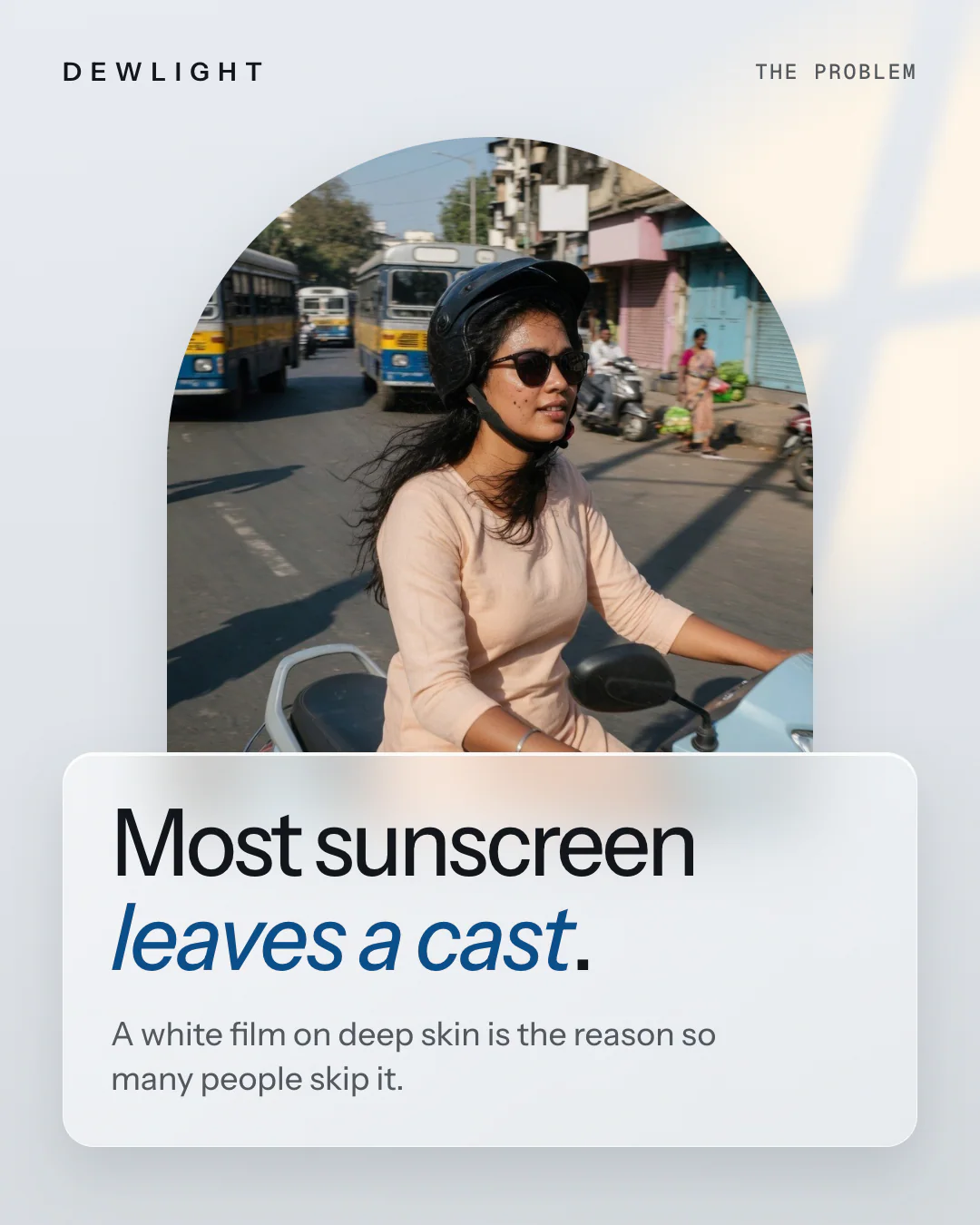
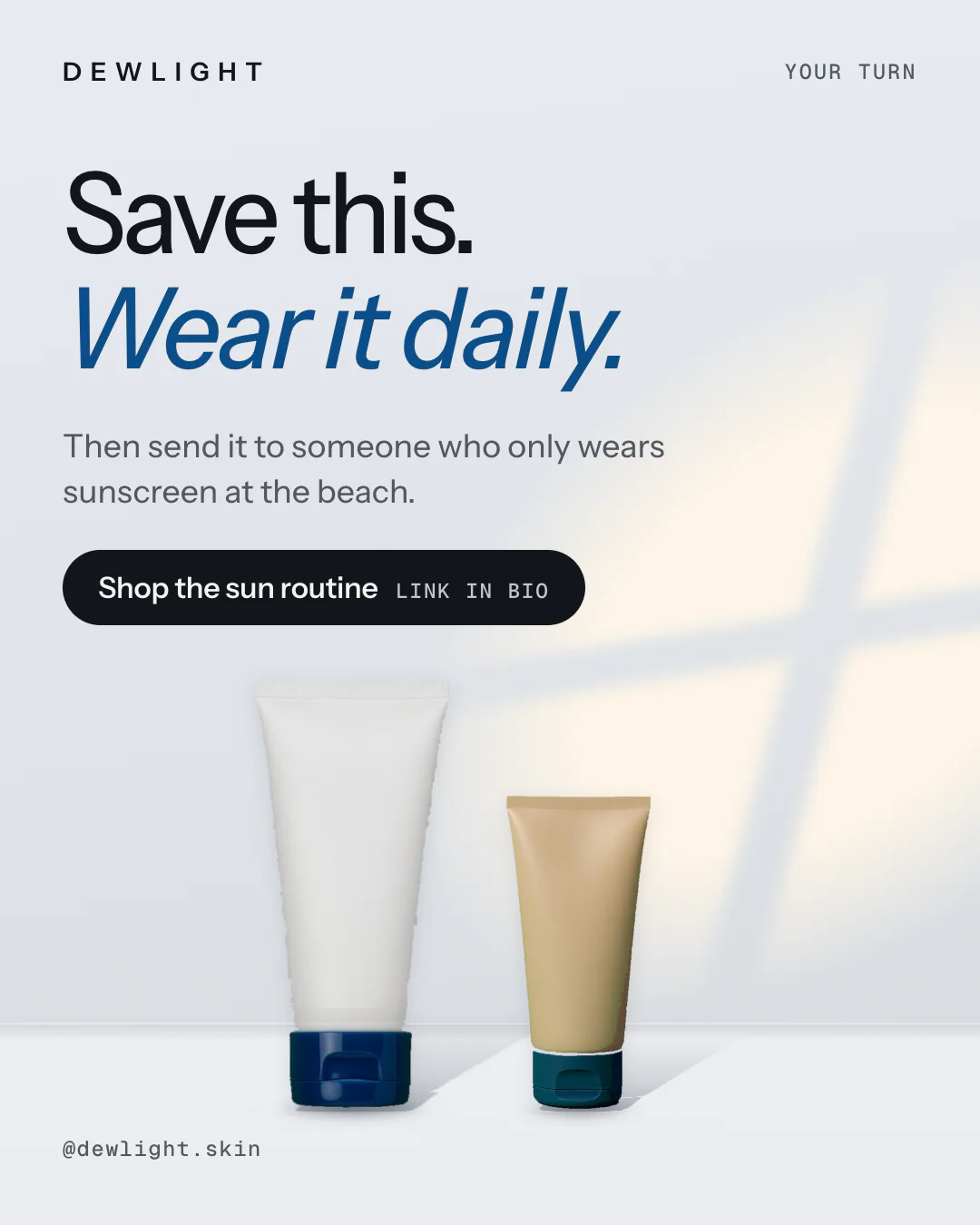
Here is a carousel made at 4:5 by Figcel for Dewlight, an invented skincare brand. The headline sits in the upper half and nothing important touches the edges:





Safe zones: where to keep your text
- The sides. The profile grid crops a 4:5 slide to 3:4, which takes about 34 pixels off each side. Keep words, prices and faces at least 60 pixels in from the left and right.
- The bottom of stories. In a 9:16 story, the reply bar and buttons sit over the bottom and the top. Keep text inside the middle 1080 × 1610 pixels.
- The first slide. It is the only slide most people see. Put the reason to swipe there, large, in the upper two thirds.
How many slides
Instagram has allowed up to 20 slides since August 2024. You rarely need that many. A good rule:
- Five to eight slides for a product, an offer or a gift guide.
- Eight to ten slides for a how-to or a list people will save.
- Ten or more only for a guide worth keeping, with a reason on every slide to carry on.
End on a slide that asks for one thing: save it, comment, or tap the link in your bio.
Carousels for ads
Carousel ads follow the same rule: make every card the same shape, and use a square or a 4:5 portrait. In an ad, each card can carry its own product and link, and the text above the carousel is shared by every card, so keep it short and let the cards do the selling.
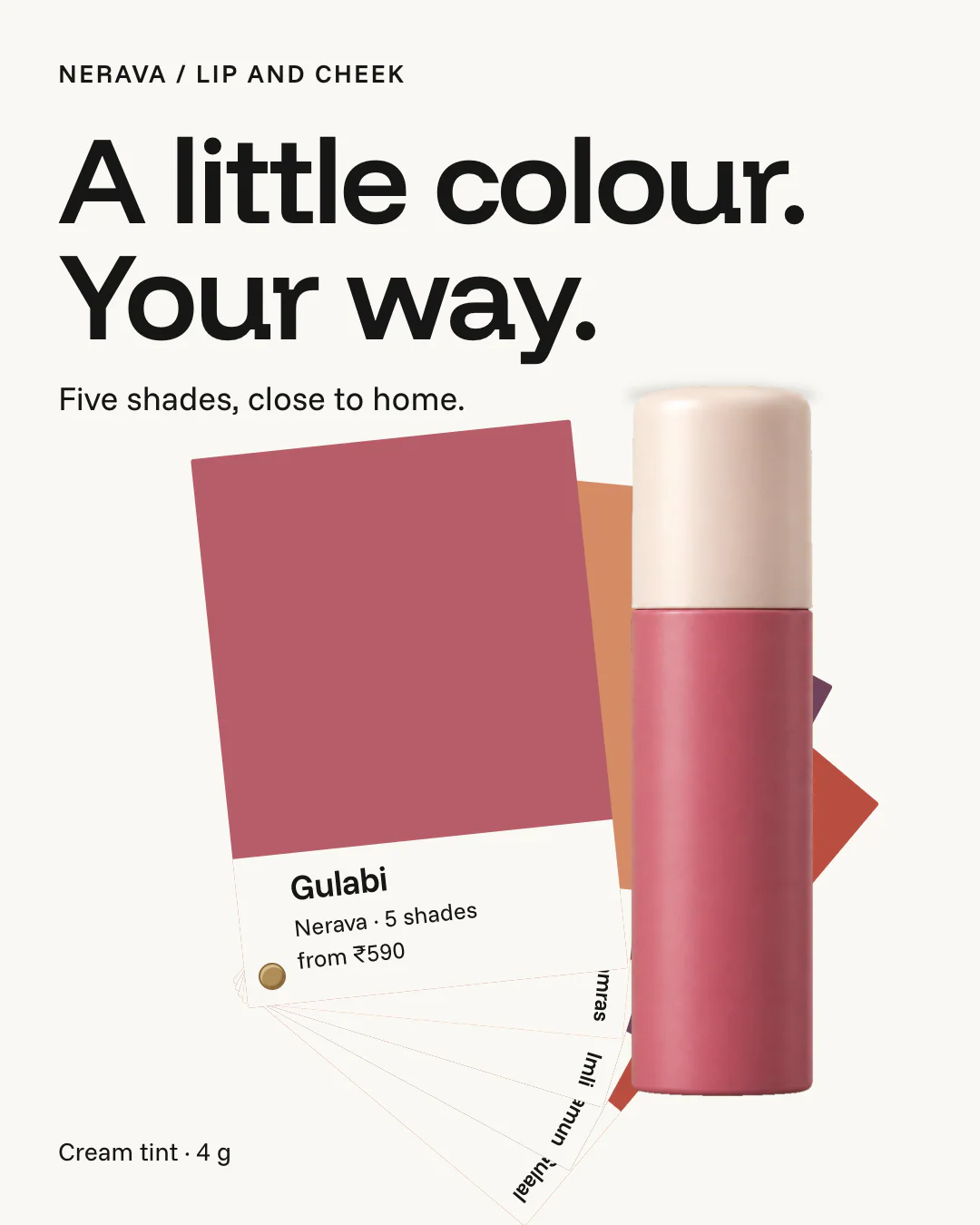
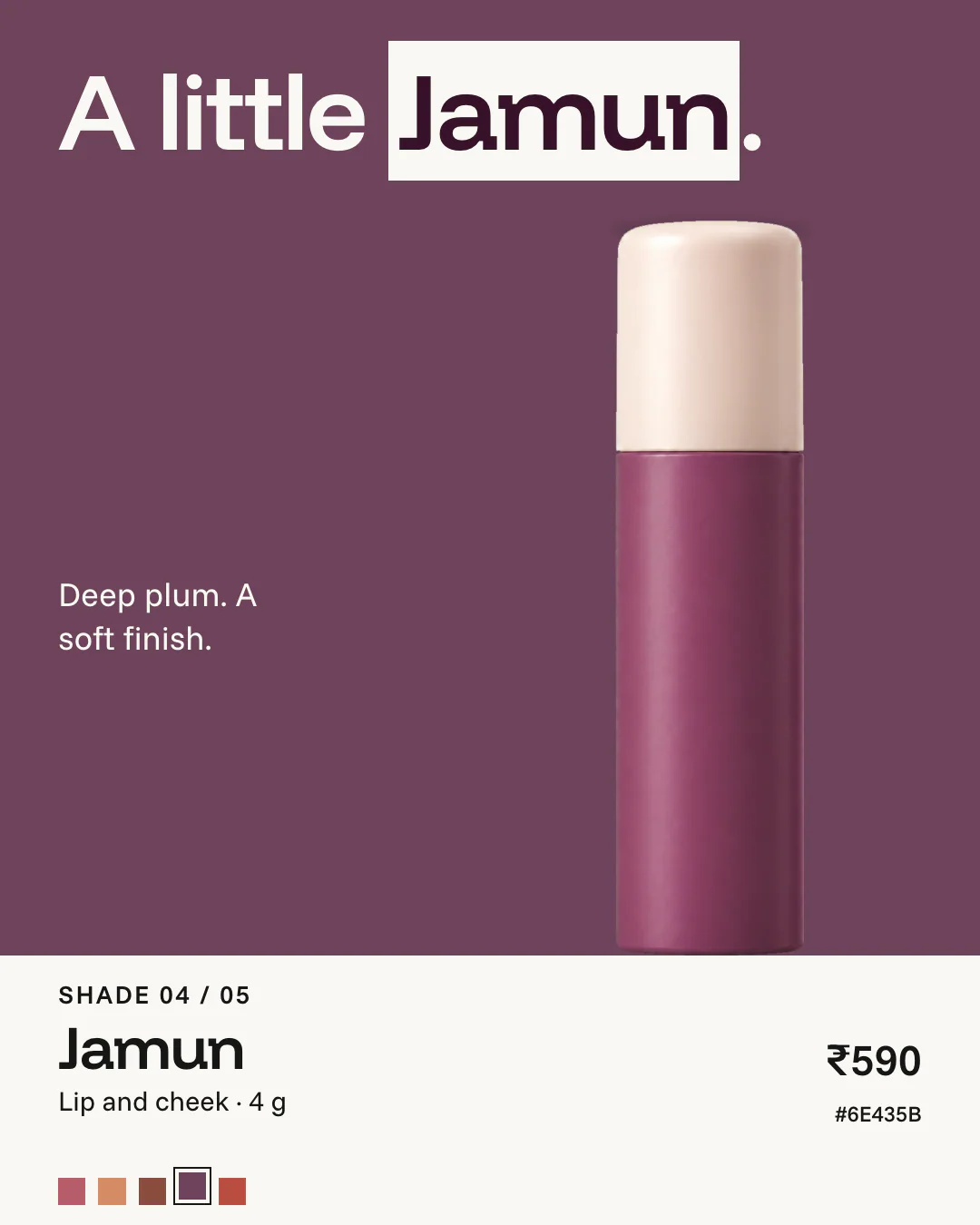
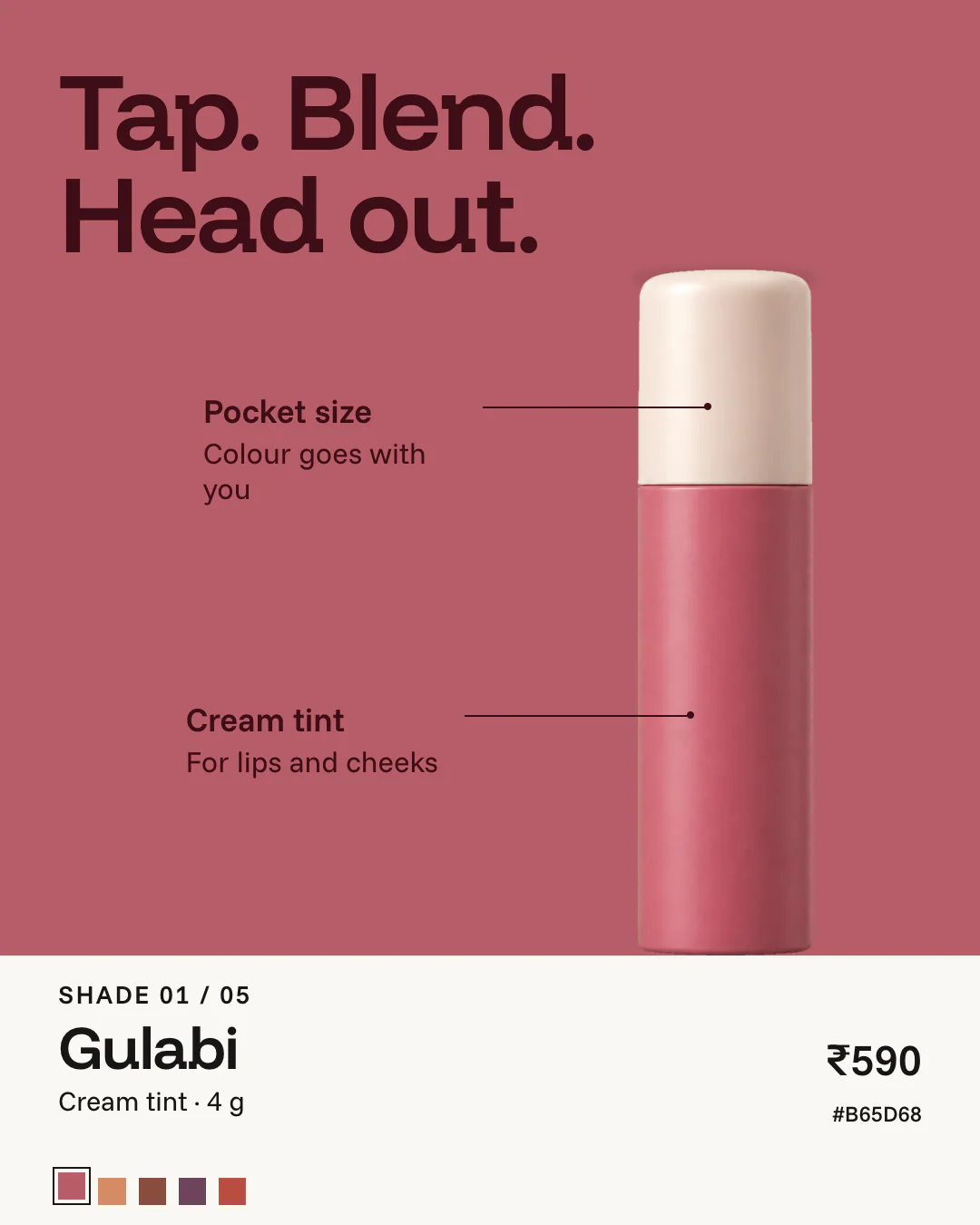
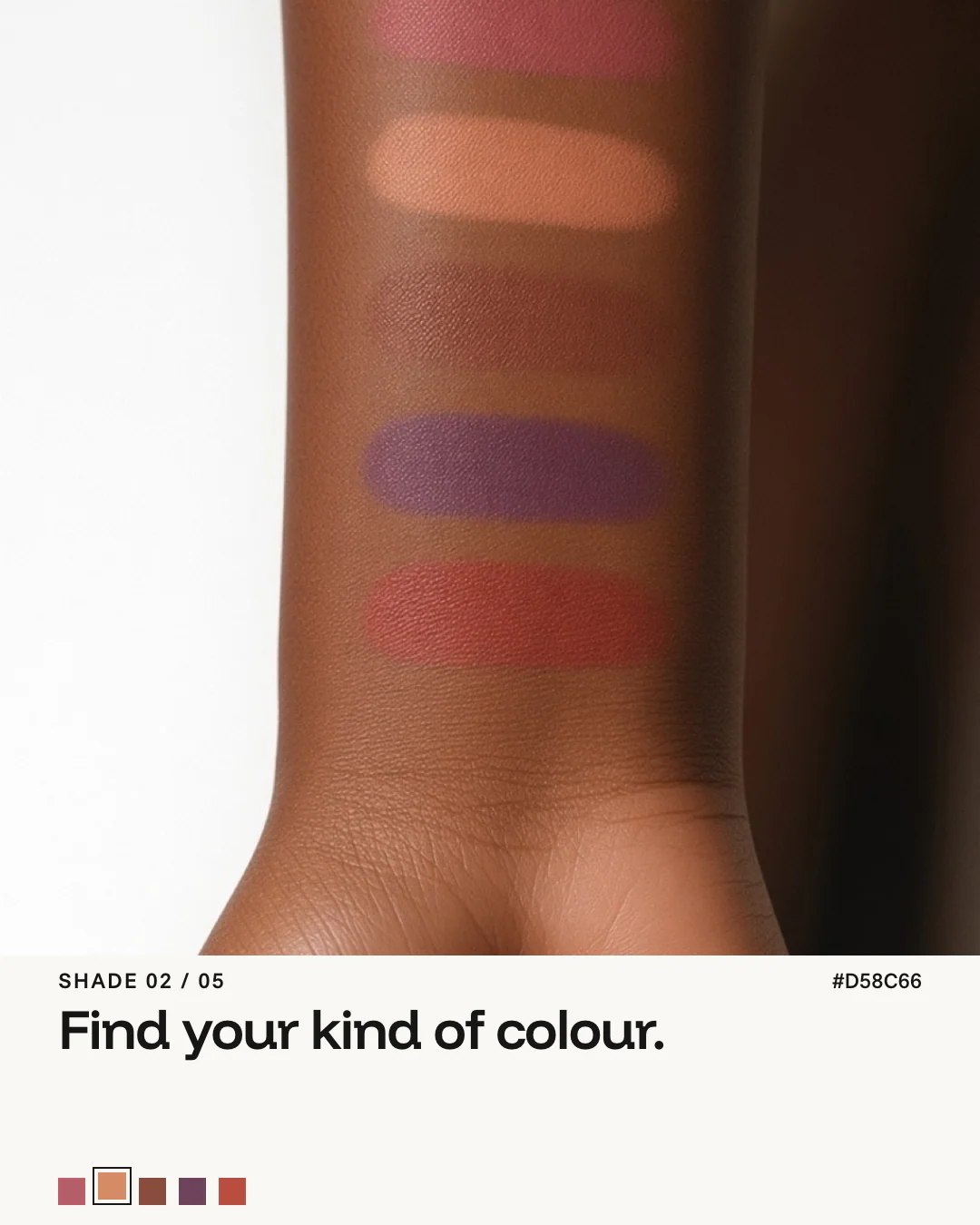
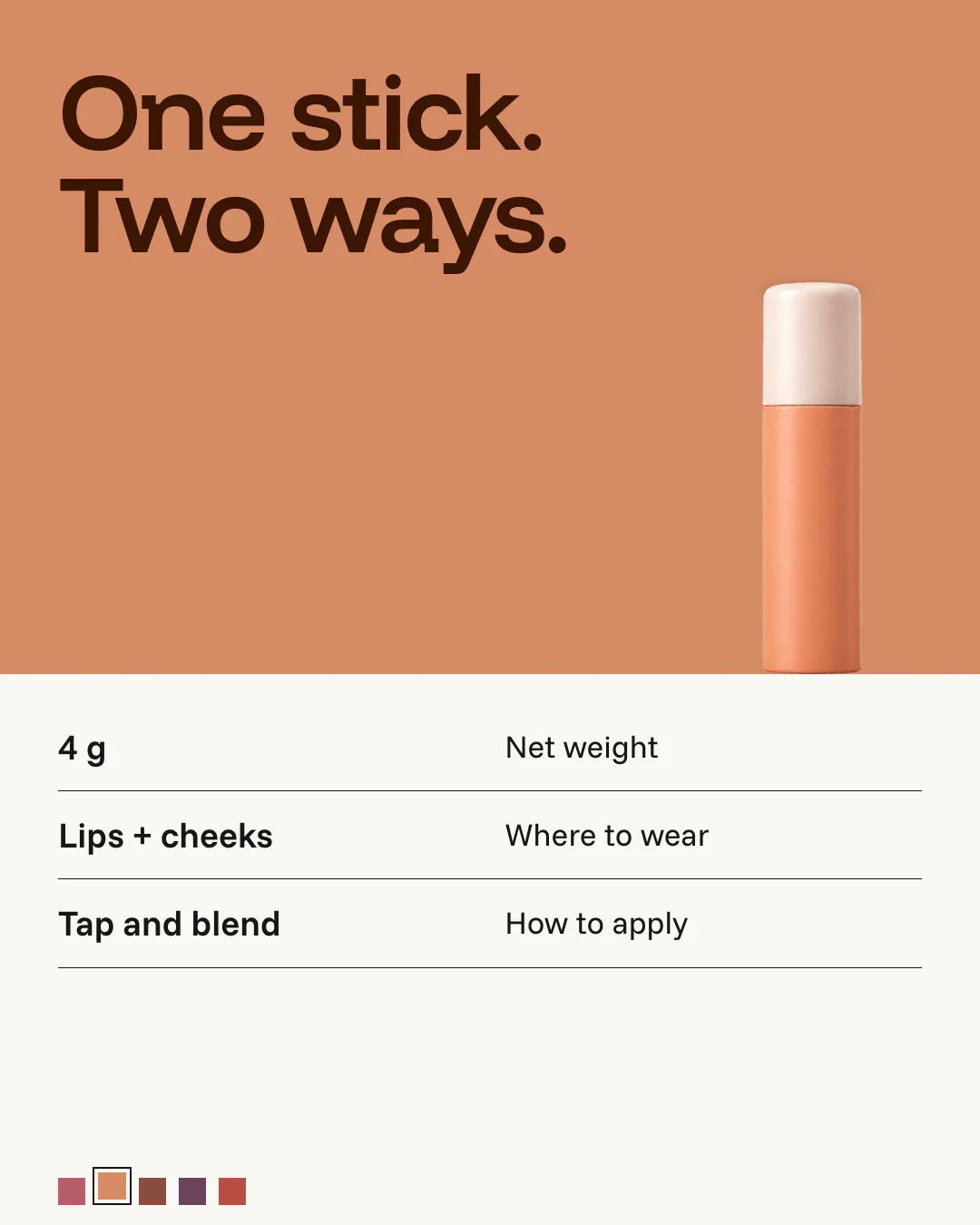
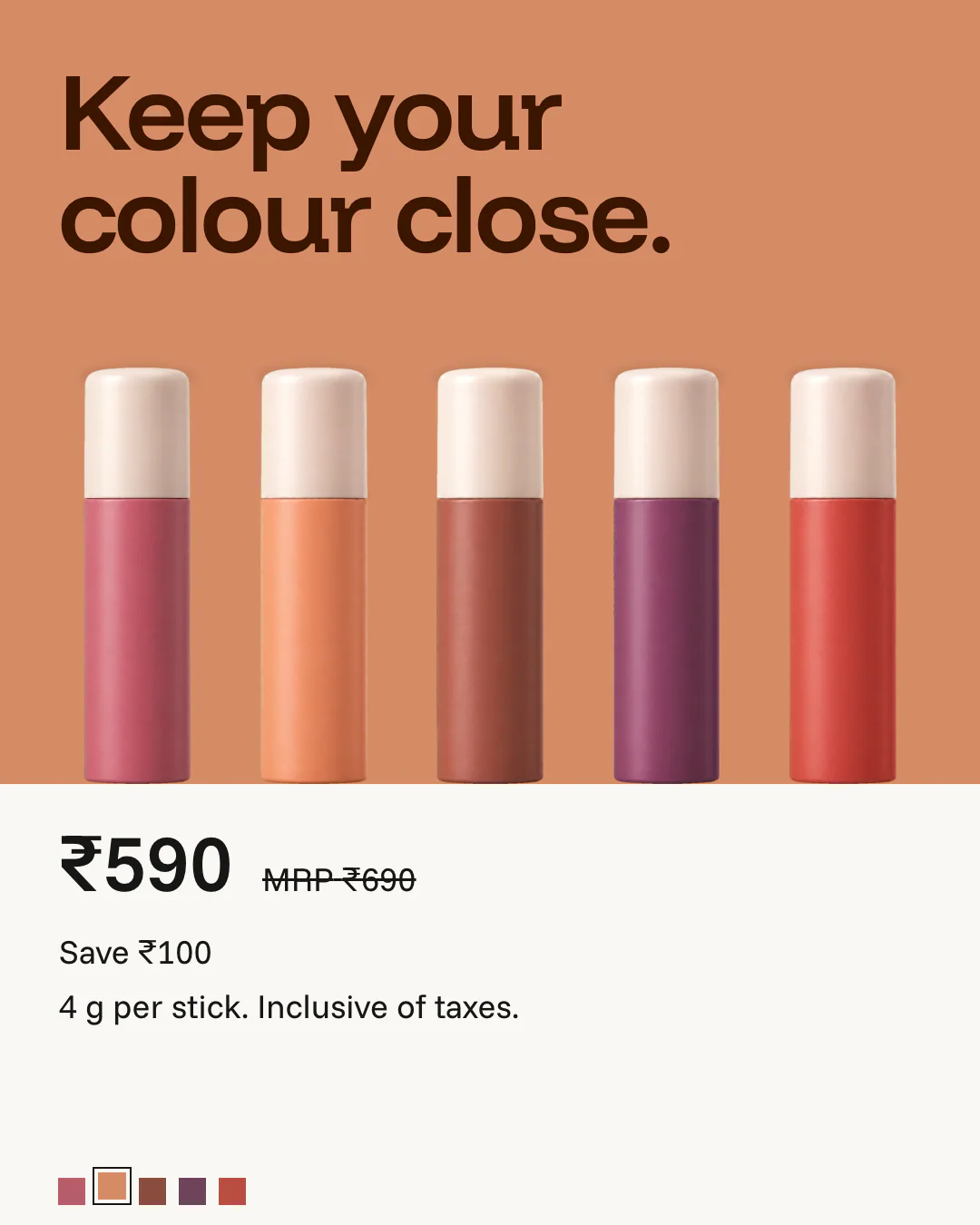
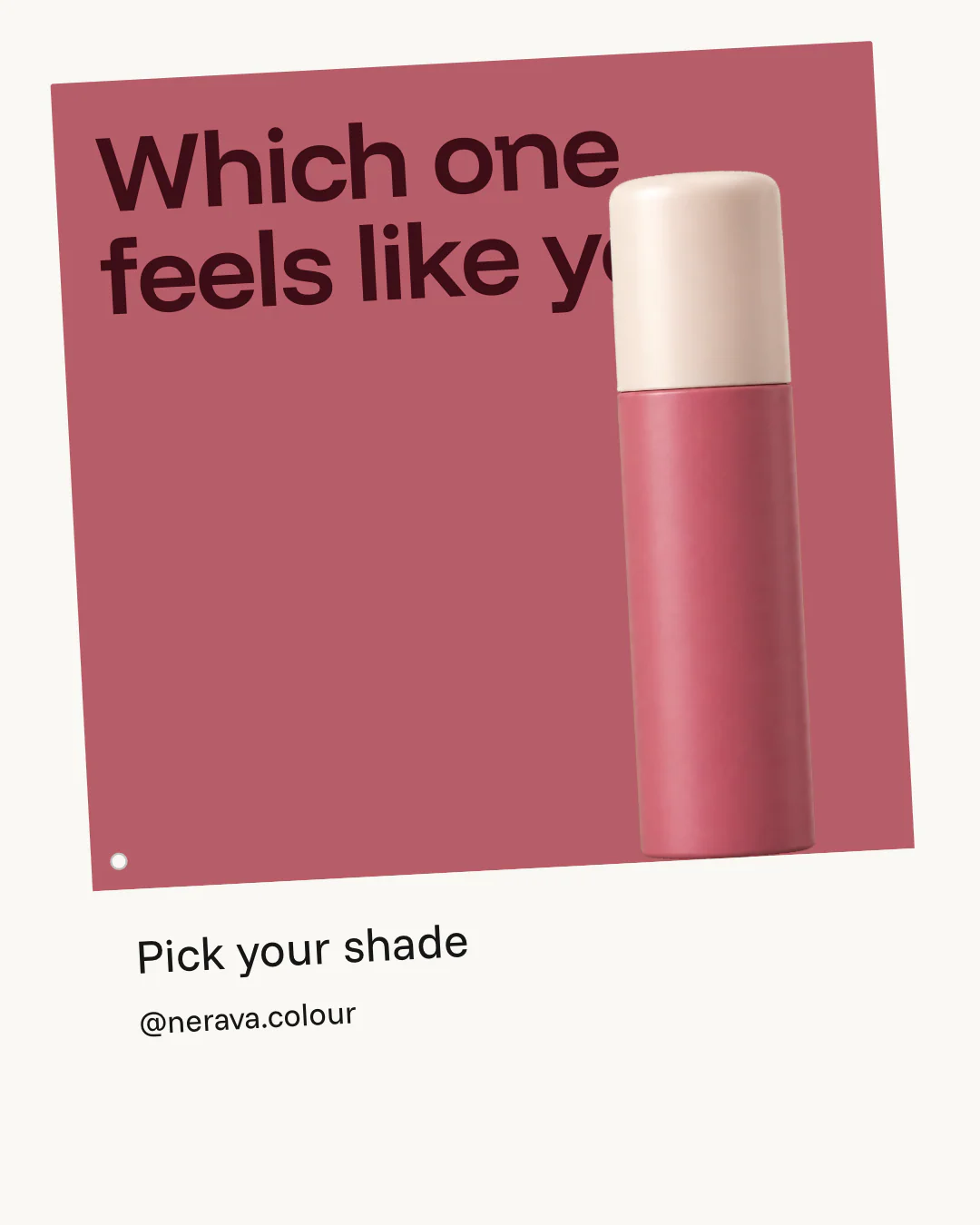
Nerava, an invented lip and cheek tint brand, shows one shade per card, which works as a post and as an ad:

Common mistakes
- Text too small. A slide is seen at the width of a phone, not a laptop. If a headline needs zooming to read, it is too small; aim for headlines of at least 60 pixels tall on a 1080 slide.
- Faces and prices at the edge. The profile grid trims the sides, and stories cover the top and bottom. Anything important goes in the middle.
- Mixed sizes in one carousel. One square slide in a run of portraits is cropped or padded, and looks like a mistake.
- Screenshots instead of exports. A screenshot of a design tool is smaller than the slide and loses sharpness. Export at the exact size.
- A first slide that only says hello. "New post" or a logo alone gives no reason to swipe. Lead with the promise, the number or the question.
A checklist before you post
- Every slide is 1080 × 1350 (or every slide is 1080 × 1080).
- Text is at least 60 pixels from the left and right edges.
- The first slide says why to swipe, in one line.
- The last slide asks for one action.
- The caption repeats the main point for people who do not swipe.
Making carousels at the right size
Figcel reads your website and makes carousels at every size from the start, in your colours, fonts and photos, so you never resize by hand. See what that looks like for one category in our skincare carousel templates, or plan your next campaign with our Black Friday ideas.
Questions
What is the best size for an Instagram carousel?
1080 by 1350 pixels, a 4:5 portrait. It takes up the most room in the feed. Square slides of 1080 by 1080 pixels also work.
How many slides can an Instagram carousel have?
Up to 20 photos or videos since August 2024. Most carousels that get read to the end are between five and ten slides.
Why does my carousel look cropped on my profile?
The profile grid shows posts as a 3:4 preview, about 1012 by 1350 pixels, so a 4:5 slide loses a little at the left and right. Keep words and faces away from those edges.
What size are Instagram stories and reels?
1080 by 1920 pixels, a 9:16 portrait. Keep text inside the middle 1080 by 1610 pixels so the app’s buttons do not cover it.
Can different slides in one carousel have different sizes?
Make them all the same size. A carousel shows its slides in one frame, so a slide of another shape is cropped or padded to fit.
Sources
- Sprout Social, social media image sizes guide (updated 15 October 2026): feed, grid, story and reel sizes, checked 28 October 2026
- Social Media Today, Instagram expands carousels to 20 frames (8 August 2024), checked 28 October 2026